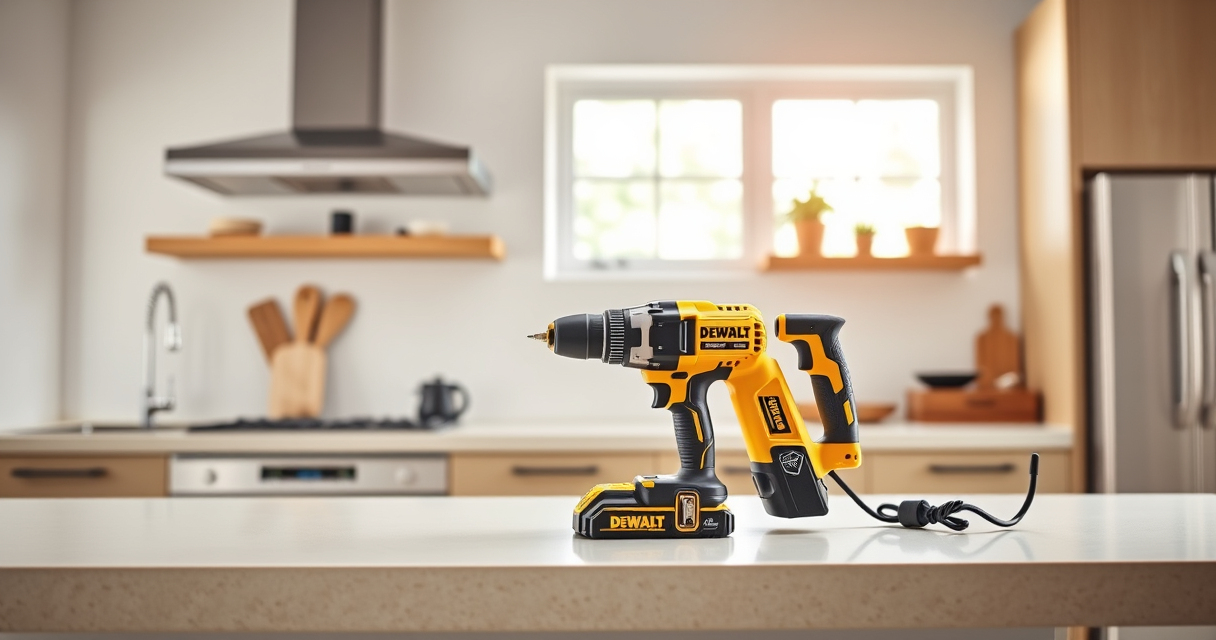

Proper maintenance of your DEWALT power tools is essential for ensuring safety, efficiency, and durability. Whether you use the DEWALT 20V MAX Cordless Drill and Impact Driver or other models, following these detailed steps will help you keep your tools in top condition. Regular upkeep not only extends the lifespan of your equipment but also prevents unexpected breakdowns and safety hazards.

Get business pricing on tools and workshop supplies
- Business-only prices and quantity discounts
- Tax-exempt purchasing
- Multiple users, one account, clear invoices
This guide provides clear, practical instructions for routine maintenance and troubleshooting common issues, making it easy to care for your DEWALT tools with confidence.
Key Takeaways
| Routine Cleaning | Keep tools free of dust and debris to prevent overheating and wear. |
| Battery Care | Properly charge and store batteries to maximize lifespan and performance. |
| Inspect for Damage | Regularly check for cracks, loose parts, or corrosion. |
| Lubrication | Apply appropriate lubrication to moving parts as needed. |
| Troubleshooting Power Issues | Identify and fix common electrical or mechanical faults. |
Cleaning Your Power Tools
- Unplug or remove batteries before cleaning to ensure safety.
- Use a dry brush or compressed air to remove dust and debris from vents and crevices.
- Wipe surfaces with a damp cloth; avoid harsh chemicals.
- Ensure the quick release hex chuck and bits are clean and free of debris.
Battery Maintenance and Storage
- Keep batteries charged between 20% and 80% for optimal lifespan.
- Avoid letting batteries fully discharge regularly.
- Store batteries in a cool, dry place away from direct sunlight.
- Check LED indicators to monitor charge levels before use.
Inspecting and Replacing Parts
Regularly examine the power cord, battery contacts, and chuck for signs of wear or damage. Replace worn-out parts promptly to prevent further issues. Use original DEWALT replacement parts to ensure compatibility and safety.
Troubleshooting Common Problems
- Tool not starting: Check battery charge and connections. Replace or recharge if necessary.
- Reduced power or stalling: Clean vents and check for debris. Consider replacing brushes or motor parts if worn.
- Bits slipping or chuck issues: Tighten or replace the chuck. Ensure bits are correctly inserted.
Storing Your Tools Safely
Store your DEWALT tools in a dry, protected area. Keep batteries separate if not in use for extended periods. Use the provided storage bag or case to prevent damage and keep tools organized.
The Products in This Guide

DEWALT 20V MAX Cordless Drill and Impact Driver
- ✔ Weight: 3.4 lbs (with battery)
- ✔ Battery Capacity: 2 x 5.0 Ah
- ✔ Charging Time: Approximately 60 minutes

DEWALT Drill Bit Set
- ✔ Number of Bits: 14
- ✔ Tip Design: Split point
- ✔ Material: High-Speed Steel
DEWALT 20V MAX Cordless Drill and Impact Driver
The DEWALT 20V MAX Cordless Drill and Impact Driver combo kit offers a lightweight, ergonomic design perfect for various projects. Its brushless motor ensures long-lasting performance, and the included batteries and charger make it a convenient choice for both beginners and professionals.
Pros:
- Compact and lightweight design
- Includes two batteries and charger
- Brushless motor for durability
- Ergonomic comfort grip
Cons:
- Limited to 20V system
- Battery life may vary with heavy usage
- No additional accessories included
Best for: DIY enthusiasts and professionals needing a reliable, versatile drill set.
Not ideal for: Heavy-duty industrial applications requiring more power.
Bottom line: A compact, efficient combo kit ideal for versatile drilling and driving tasks.
DEWALT Drill Bit Set
The DEWALT Drill Bit Set provides 14 heavy-duty bits with a 135-degree split point tip, perfect for various materials. Its durability and quick identification features make it a valuable addition to your toolkit.
Pros:
- Wide range of bits included
- Durable high-speed steel construction
- Quick identification size markings
- Split point reduces walking
Cons:
- Limited to drill bits only
- No carrying case included
- Bits may be too aggressive for delicate work
Best for: Home repairs, woodworking, and metal projects requiring reliable bits.
Not ideal for: Heavy industrial or high-volume drilling without additional bits.
Bottom line: A durable, versatile bit set suited for multiple materials and tasks.
Frequently Asked Questions
How often should I clean my DEWALT power tools?
Clean your tools regularly, especially after heavy use, to prevent dust buildup and ensure proper cooling and operation.
Can I use non-DEWALT batteries with my DEWALT tools?
No, it’s recommended to use only DEWALT batteries designed for your specific model to ensure safety and optimal performance.
What should I do if my drill is not delivering full power?
Check the battery charge, clean the vents, and inspect the brushes and motor components. Replace or repair as necessary.
How do I store my power tools during long periods of non-use?
Store them in a dry, cool place away from direct sunlight, and keep batteries separated if not in use for extended times.
Keep Your DEWALT Tools in Peak Condition
Consistent maintenance and troubleshooting are key to ensuring your DEWALT power tools remain reliable and long-lasting. By following proper cleaning, storage, and inspection routines, you can prevent many common issues and extend the life of your tools. Remember, safety first—always unplug or remove batteries before performing any maintenance or repairs.
Affiliate disclosure: As an Amazon Associate we earn from qualifying purchases. Prices and availability are accurate as of the time of publishing.
Fall Picks
fall essentials
As an affiliate, we earn on qualifying purchases.



![[Fact Check] Lee’s Claim Blaming Oh For Seoul Home Prices? - 최보식의언론](https://owncrafting.com/wp-content/uploads/2026/09/fact-check-lee-s-claim-blaming-oh-for-seoul-home-prices-featured-260x140.jpg)