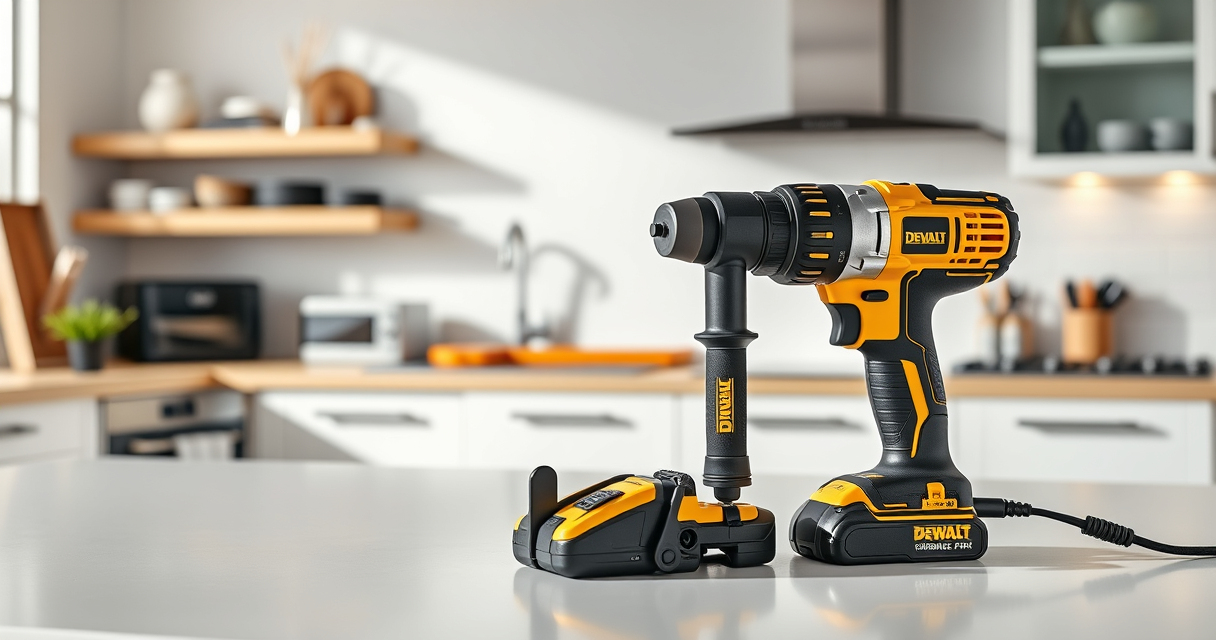

DEWALT power tools are renowned for their durability and performance, but like all electrical tools, they can sometimes overheat during use. Overheating not only hampers work efficiency but also risks damaging the tool or creating safety hazards. Understanding the common causes of overheating and knowing how to fix them can help you maintain your DEWALT tools in top condition.

Get business pricing on tools and workshop supplies
- Business-only prices and quantity discounts
- Tax-exempt purchasing
- Multiple users, one account, clear invoices
This guide provides a clear, step-by-step approach to diagnosing and fixing overheating issues, with safety tips and best practices to keep your work safe and your tools in excellent shape.
Key Takeaways
| Overheating causes | Poor ventilation, overuse, or debris buildup can lead to overheating. |
| Importance of maintenance | Regular cleaning and proper use extend tool lifespan and prevent overheating. |
| Cooling down period | Allow the tool to cool before troubleshooting or further use. |
| Check brushes and vents | Worn brushes or clogged vents can cause overheating issues. |
| Proper operation | Using the correct speed and avoiding overloads prevents overheating. |
Understanding Why Your DEWALT Power Tool Overheats
Overheating in DEWALT power tools, such as the 20V MAX Cordless Drill and Impact Driver, is often caused by a combination of mechanical and operational factors. Common causes include inadequate ventilation, debris accumulation in vents, prolonged continuous use, or overloading the tool beyond its capacity.
The design of the DEWALT DCK277D2, with its brushless motor, helps reduce heat generation during normal operation. However, even the most advanced tools can overheat if pushed too hard or used improperly. Recognizing early signs like increased temperature, a burning smell, or reduced performance can help you address issues before serious damage occurs.
Step-by-Step Troubleshooting of Overheating Issues
- Pause and Power Off: Immediately stop using the tool and turn it off. Allow it to cool for at least 15-30 minutes in a well-ventilated area.
- Inspect Vents and Airflow: Check the vent openings for dust, debris, or blockages. Use compressed air to gently clean out any obstructions.
- Examine the Batteries: Ensure your 20V MAX 5 Ah Lithium Ion batteries are properly seated and not overheating. Remove and inspect for swelling or dirt.
- Check for Mechanical Obstructions: Look for jammed bits or parts that could cause the motor to work harder than necessary.
- Test in a Cooler Environment: After cleaning and inspection, test the tool in a cooler, well-ventilated space. Use the correct speed settings to avoid overload.
- Assess Usage Patterns: Avoid continuous operation for long durations. Use pause intervals to prevent overheating during heavy tasks.
- Replace Worn Components: If overheating persists, consider replacing brushes, or seeking professional service to check internal components.
Preventative Measures to Avoid Overheating
- Regular Cleaning: Keep vents and air intake areas free of dust and debris.
- Use the Correct Accessories: Use recommended drill bits or attachments, such as the DEWALT Drill Bit Set, to prevent unnecessary strain.
- Adequate Cooling Intervals: Take breaks during prolonged use to allow the motor to cool down.
- Proper Storage: Store tools in dry, dust-free environments and avoid exposure to extreme temperatures.
- Battery Maintenance: Keep batteries charged and in good condition; replace worn batteries promptly.
Safety Tips When Handling Overheated Tools
Always prioritize safety when troubleshooting or repairing your DEWALT power tools. Never attempt to disassemble or repair internal components unless qualified to do so. Overheated tools can cause burns or electrical shocks if mishandled.
Wear safety gloves and eye protection, especially when cleaning vents or inspecting internal parts. Allow the tool to cool completely before touching internal components or performing maintenance. If the tool shows signs of severe damage, such as melted plastic or exposed wiring, stop use immediately and consult a professional.
The Products in This Guide

DEWALT 20V MAX Cordless Drill and Impact Driver
- ✔ Battery Life: Up to 2 hours per charge
- ✔ Charging Time: Approximately 1 hour
- ✔ Max Speed: 2000 RPM

DEWALT Drill Bit Set
- ✔ Bit Length: Various
- ✔ Max Diameter: 1/2 inch
- ✔ Compatibility: Compatible with DEWALT drills
DEWALT 20V MAX Cordless Drill and Impact Driver
The DEWALT 20V MAX Cordless Drill and Impact Driver combo kit offers excellent performance with brushless motors and ergonomic design. However, like all cordless tools, overheating can occur if the tool is overused or not maintained properly. Regular cleaning and proper operation are key to keeping your drill running smoothly.
Pros:
- Brushless motor for efficiency
- Ergonomic grip for comfort
- Includes two batteries and charger
- Bright LED for visibility
Cons:
- Can overheat with heavy continuous use
- Ventilation needs cleaning
- Battery life may vary with workload
Best for: Home improvement projects, DIY tasks, light to medium construction work
Not ideal for: Heavy industrial applications or continuous long-duration tasks
Bottom line: A versatile and powerful cordless drill set, best maintained with regular cleaning and proper use.
DEWALT Drill Bit Set
This 14-piece DEWALT Drill Bit Set features high-speed steel bits with a 135-degree split point tip, ideal for plastic, wood, and metal. The set offers durability and quick identification, making it a great addition to your toolkit for use with your DEWALT drill.
Pros:
- Durable high-speed steel
- Split point reduces walking
- Color-coded for easy ID
- Includes multiple sizes
Cons:
- No carrying case
- Limited to metal, wood, and plastic
Best for: General drilling tasks around the home or workshop
Not ideal for: Heavy-duty industrial applications
Bottom line: A versatile drill bit set that enhances your drilling efficiency across multiple materials.
Frequently Asked Questions
Why is my DEWALT drill overheating during use?
Overheating can occur due to prolonged use, overloading, blocked vents, or debris buildup. Ensuring proper operation and regular maintenance helps prevent this.
How long should I wait before using the drill again after it overheats?
Allow the tool to cool for at least 15-30 minutes in a well-ventilated area before attempting to use it again.
Can I fix overheating myself?
Basic maintenance like cleaning vents and inspecting batteries is safe. However, internal repairs should be performed by a professional or authorized service center.
What safety precautions should I take during troubleshooting?
Always disconnect the battery, wear safety gloves and eye protection, and wait for the tool to cool down before inspecting or cleaning internal parts.
How can I prevent overheating in the future?
Use the tool within its recommended load limits, take regular breaks, keep vents clean, and store the tool properly when not in use.
Keeping Your DEWALT Power Tools Cool and Efficient
Proper maintenance and mindful usage are key to preventing overheating issues with your DEWALT power tools. Regular cleaning, using the right accessories, and allowing ample cooling time during extended work sessions will help ensure your tools operate safely and efficiently for years to come. Always pay attention to early signs of heat buildup and address them promptly to extend the lifespan of your investment.
Affiliate disclosure: As an Amazon Associate we earn from qualifying purchases. Prices and availability are accurate as of the time of publishing.
Halloween Picks

Haunted Hill Farm 4.6‑Ft Head‑Spinning Beatrix Halloween Animatronic Prop

Haunted Hill Farm 2-Ft. Zombie Raccoon Halloween Animatronic

Kalolary 12ft Halloween Witch Haunted House Inflatable Archway
As an affiliate, we earn on qualifying purchases.


![There Will Come Soft Rains (1950) [Pdf]](https://owncrafting.com/wp-content/uploads/2026/08/there-will-come-soft-rains-1950-pdf-featured-560x300.jpg)