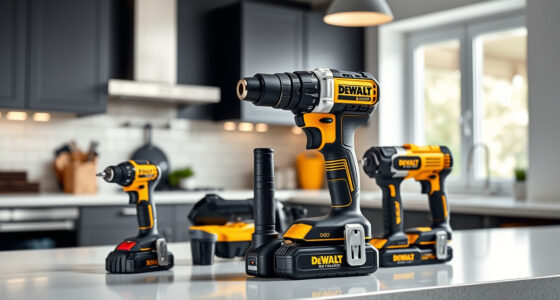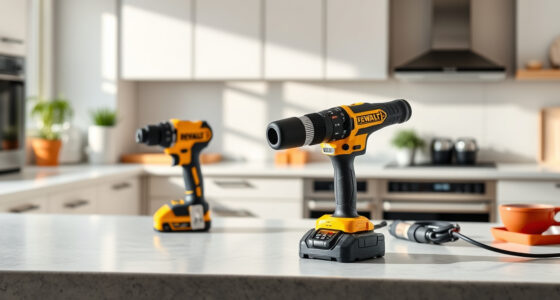

If your DEWALT power tool isn’t charging properly, it can be frustrating and hinder your work. This guide provides clear, safe steps to diagnose and fix common charging issues, ensuring your tool is ready for the job.

Get business pricing on tools and workshop supplies
- Business-only prices and quantity discounts
- Tax-exempt purchasing
- Multiple users, one account, clear invoices
Follow these instructions carefully to troubleshoot your DEWALT cordless drill and get it back in working order quickly.
Key Takeaways
| Check the charger and outlet | Ensure the charger and power source are functioning correctly. |
| Inspect the battery | Look for signs of damage or wear on the battery. |
| Clean the contacts | Remove dirt or corrosion from the battery and charger contacts. |
| Test with a known good battery | Use a spare battery to determine if the issue is with the battery or charger. |
| Replace if necessary | Replace the battery or charger if they are faulty after testing. |
Step 1: Verify Power Source
- Confirm the outlet is working by plugging in another device.
- Try a different power outlet to rule out socket issues.
Step 2: Inspect and Clean Battery and Charger Contacts
- Remove the battery from the charger.
- Use a dry cloth or a small brush to clean the metal contacts on both the battery and charger.
- Ensure no dirt, dust, or corrosion remains that could impede charging.
Step 3: Test the Battery and Charger
Insert the cleaned battery into a different DEWALT charger if available, or use a known working battery to test the charger. Similarly, test the battery with a different charger if possible. This helps identify whether the issue is with the battery or the charger.
Step 4: Check for Battery Damage
Inspect the battery for swelling, cracks, or other visible damage. If damaged, replace the battery. If the battery looks intact, proceed to testing.
Step 5: Replace Faulty Components
If testing confirms the battery or charger is faulty, replace the defective part. Use genuine DEWALT replacement batteries or chargers for reliability.
The Products in This Guide

DEWALT 20V MAX Cordless Drill Driver Set
- ✔ Voltage: 20V
- ✔ Warranty: 3 years
- ✔ Includes: Battery and charger

DEWALT Drill Bit Set
- ✔ Tip Design: Split point
- ✔ Web Design: Tapered
- ✔ Size Range: Various
DEWALT 20V MAX Cordless Drill Driver Set
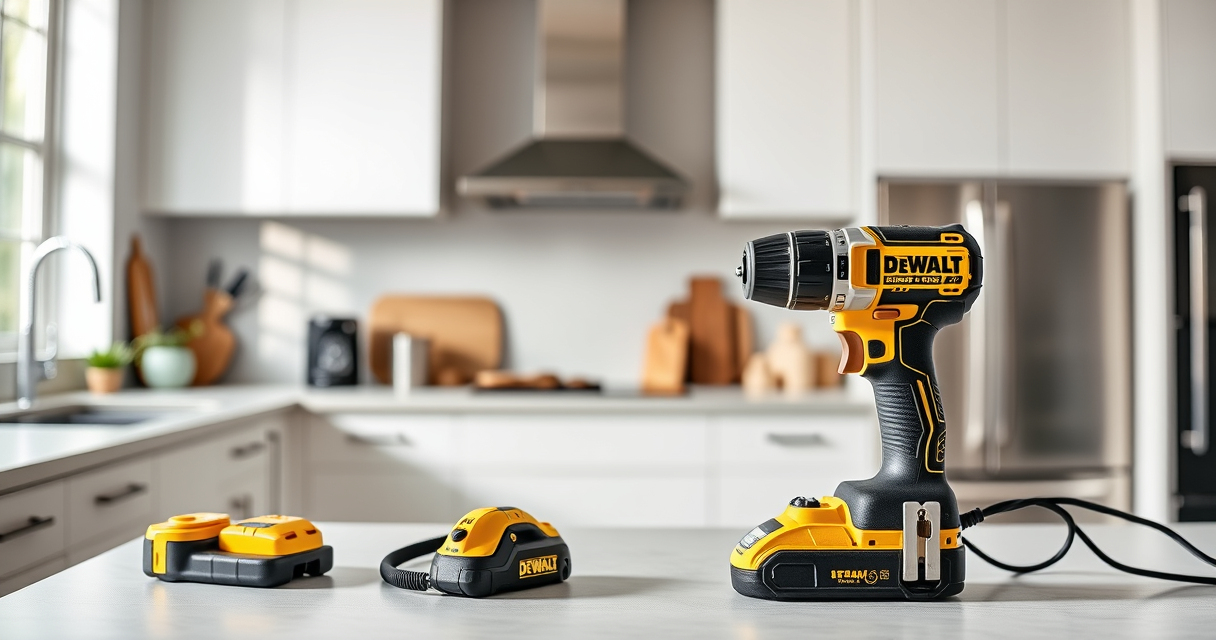
The DEWALT 20V MAX Cordless Drill Driver Set offers a brushless motor that delivers more run time and durability. Its compact, lightweight design makes it ideal for tight spaces, and the LED light enhances visibility in dark areas.
Pros:
- Long-lasting brushless motor
- Compact and lightweight
- Ergonomic grip
- LED work light
Cons:
- Battery life may vary with usage
- Requires compatible charger
- Limited to 20V MAX system
Best for: General-purpose drilling and fastening in tight or confined spaces
Not ideal for: Heavy-duty industrial applications requiring higher voltage or power
Bottom line: A versatile, reliable drill ideal for a wide range of tasks.
DEWALT Drill Bit Set
This DEWALT Drill Bit Set features 14 high-speed steel bits with a 135-degree split point, perfect for plastic, wood, and metal. The 3-flats shank reduces spin-out, ensuring precise drilling.
Pros:
- Durable High-Speed Steel
- Reduces walking on start
- Corrosion-resistant coating
- Easy to identify sizes
Cons:
- Limited to drill bits only
- Not suitable for heavy-duty industrial use
- Size range may not cover all needs
Best for: DIY projects and general-purpose drilling
Not ideal for: Heavy industrial applications requiring specialized bits
Bottom line: A versatile set that enhances drilling precision and durability.
Frequently Asked Questions
Why won’t my DEWALT battery charge?
Common causes include dirty contacts, faulty charger, or damaged battery. Follow the troubleshooting steps to identify the issue.
How do I clean the battery contacts?
Use a dry cloth or a small brush to gently remove dirt or corrosion from the metal contacts on both the battery and charger.
Can I use a different brand of charger?
It’s recommended to use DEWALT branded chargers to ensure compatibility and safety.
When should I replace my DEWALT battery?
Replace the battery if it shows signs of swelling, cracks, or if it no longer holds a charge after troubleshooting.
Keep Your DEWALT Power Tools Charging Smoothly
Proper maintenance and troubleshooting can extend the life of your DEWALT batteries and chargers. Regularly inspect and clean contacts, ensure power sources are reliable, and replace faulty parts when needed. A well-maintained tool keeps your projects on track and your work efficient.
Affiliate disclosure: As an Amazon Associate we earn from qualifying purchases. Prices and availability are accurate as of the time of publishing.
Fall Picks
fall essentials
As an affiliate, we earn on qualifying purchases.