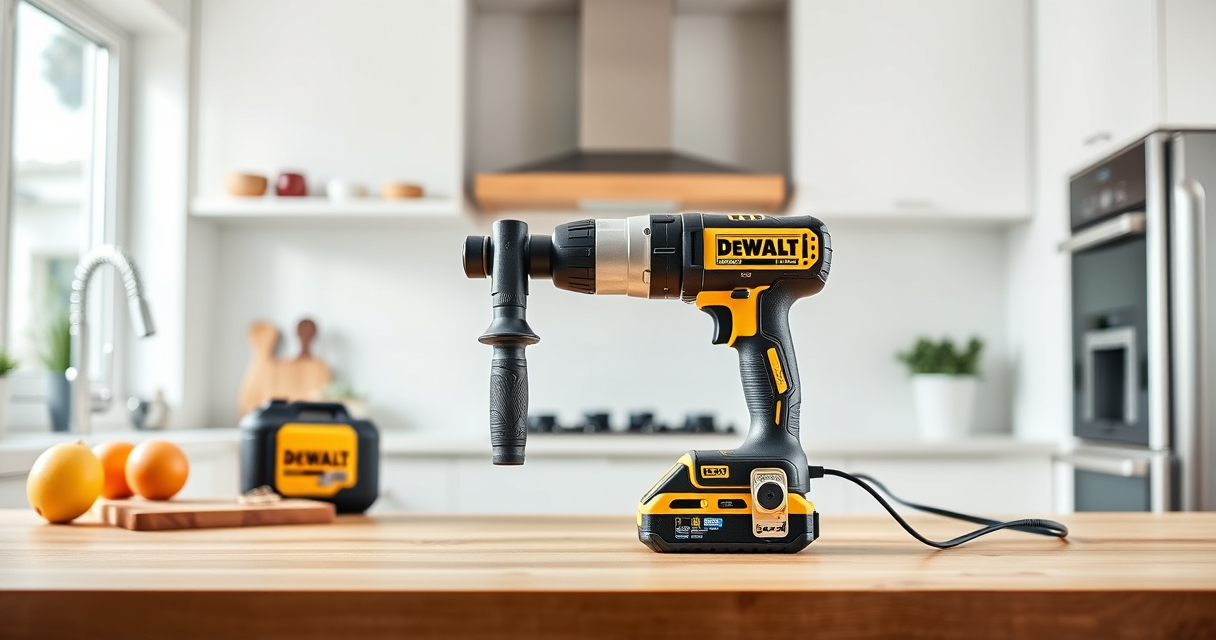

Maintaining your DEWALT XR Impact Driver is essential for ensuring it operates efficiently and lasts longer. Proper cleaning removes dust, debris, and grime that can affect performance. This guide provides clear, practical steps to clean your impact driver safely and effectively.

Get business pricing on tools and workshop supplies
- Business-only prices and quantity discounts
- Tax-exempt purchasing
- Multiple users, one account, clear invoices
Always prioritize safety and use the right tools and methods to avoid damaging your power tool or voiding the warranty.
Key Takeaways
| Safety First | Always disconnect the impact driver from the battery before cleaning. |
| Use Proper Tools | Use a soft brush and compressed air to remove dust and debris. |
| Avoid Water Damage | Never submerge or spray the impact driver with water. |
| Regular Maintenance | Clean your impact driver regularly to maintain performance. |
| Check for Damage | Inspect for any worn or damaged parts during cleaning. |
Preparation Before Cleaning
- Ensure the impact driver is turned off and remove the battery to prevent accidental activation.
- Gather necessary tools: a soft brush, compressed air, a damp cloth, and optional lubricants.
Cleaning the Exterior
- Use a soft brush to gently remove dust and debris from vents, grip areas, and around the chuck.
- Wipe the exterior with a damp cloth slightly moistened with water or mild detergent. Avoid excessive moisture.
- Dry the surface thoroughly with a clean, dry cloth.
Cleaning the Chuck and Bits
- Remove the drill bits and clean the chuck with a brush or compressed air to remove debris.
- If there’s stubborn dirt, use a cloth with a small amount of alcohol or lubricant to clean the chuck.
- Reinsert bits after ensuring the chuck is dry and clean.
Internal Maintenance and Inspection
For internal cleaning, it’s best to consult a professional or authorized service center. However, you can check for dust accumulation around vents and motor housing, gently removing dust with compressed air.
Regularly inspect for corrosion, worn parts, or damage, and replace parts as needed.
Final Steps and Safety Tips
- Reassemble the impact driver, ensuring all parts are dry and correctly fitted.
- Insert the battery and test the tool to ensure proper operation.
- Store the impact driver in a clean, dry place to prevent future dust buildup.
Always wear safety goggles and gloves during cleaning to protect yourself from dust and debris.
The Products in This Guide

DEWALT 20V MAX Cordless Drill and Impact Driver
- ✔ Battery Capacity: 5 Ah
- ✔ Chuck Type: Quick release hex
- ✔ LED Light: Yes

DEWALT Drill Bit Set
- ✔ Size Range: Various
- ✔ Length: Standard
- ✔ Tip Angle: 135°
DEWALT 20V MAX Cordless Drill and Impact Driver
The DEWALT 20V MAX Cordless Drill and Impact Driver combo kit is a reliable choice for both DIYers and professionals. Its brushless motor provides efficient performance, and the compact design makes it easy to handle in tight spaces.
Pros:
- Powerful brushless motor
- Lightweight and compact
- Includes 2 batteries and charger
- Ergonomic grip for comfort
Cons:
- Battery life may vary with intensive use
- No included impact driver-specific accessories
Best for: Home improvement, furniture assembly, and DIY projects
Not ideal for: Heavy-duty industrial use or prolonged continuous operations
Bottom line: A versatile and reliable power tool combo perfect for various projects.
DEWALT Drill Bit Set
The DEWALT Drill Bit Set offers 14 heavy-duty bits with a 135° split point, ideal for drilling into plastic, wood, and metal. Its durable high-speed steel construction and anti-rust coating make it a reliable addition to your toolkit.
Pros:
- Durable high-speed steel
- Includes 14 versatile bits
- Split point reduces walking
- Easy to identify sizes
Cons:
- Not suitable for heavy industrial tasks
- Bits may wear with extreme use
Best for: General drilling tasks in DIY or professional projects
Not ideal for: Heavy-duty industrial drilling or prolonged use
Bottom line: A durable and versatile drill bit set ideal for various materials.
Frequently Asked Questions
Can I clean my impact driver with water?
No, avoid using water or immersing the impact driver. Water can damage internal components. Use a damp cloth and compressed air for cleaning.
Is it safe to use compressed air to clean the vents?
Yes, compressed air effectively removes dust from vents and motor housing. Ensure the impact driver is unplugged or battery removed before doing so.
How often should I clean my impact driver?
Regular cleaning after each use helps maintain optimal performance. For heavy use, a thorough cleaning once a month is recommended.
What should I do if my impact driver isn’t working properly after cleaning?
Check for debris or dust in vents, inspect for damage, and ensure the battery is charged. If problems persist, consult a professional or authorized service center.
Keep Your Impact Driver in Top Condition
Properly cleaning your DEWALT XR Impact Driver ensures it remains reliable and efficient for all your projects. Follow these steps regularly and always prioritize safety. A well-maintained tool not only performs better but also lasts longer, saving you time and money in the long run.
Affiliate disclosure: As an Amazon Associate we earn from qualifying purchases. Prices and availability are accurate as of the time of publishing.
Fall yard work Picks
leaf blowers
As an affiliate, we earn on qualifying purchases.