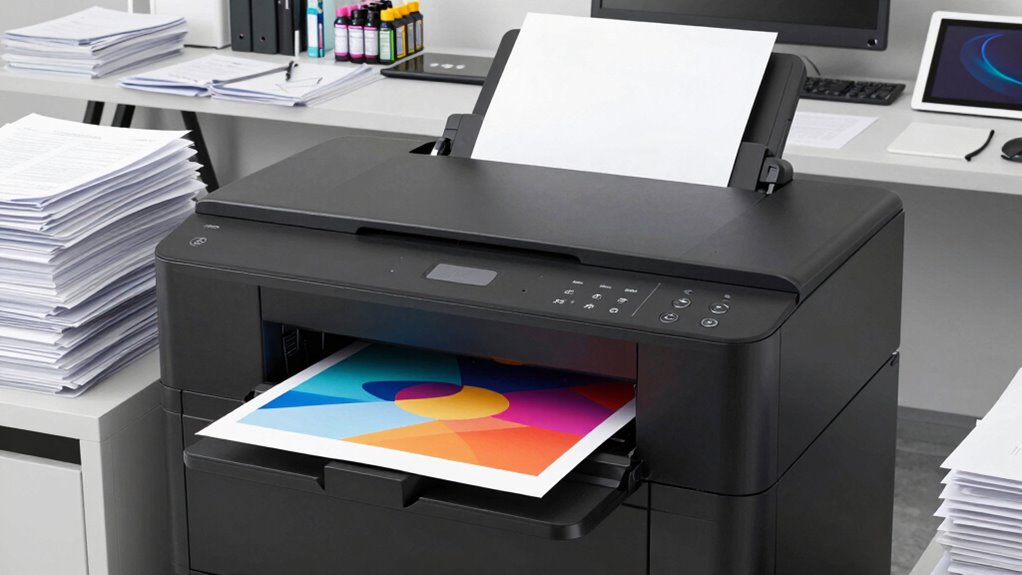

Using your own large-format printer offers greater control over color accuracy, resolution, and print quality, making it a more reliable workflow for professional results. You can fine-tune settings, ensuring consistent, vibrant outputs without relying on external files. While it takes more setup and technical knowledge, it pays off in higher quality and fewer surprises. If you’re curious about how to streamline this process and maximize your results, there’s more to explore ahead.

Get business pricing on tools and workshop supplies
- Business-only prices and quantity discounts
- Tax-exempt purchasing
- Multiple users, one account, clear invoices
Key Takeaways
- Copy shop files offer quicker, less technically demanding workflows with minimal setup required.
- Managing own large-format printer involves more technical knowledge but allows for greater control.
- Using copy shop files reduces setup time but may limit customization options.
- Own printer enables precise adjustments for optimal quality, increasing complexity but ensuring accuracy.
- External files streamline the process, while internal workflows demand more effort but provide higher quality assurance.

When you’re preparing to print large-format projects, understanding the differences between using a specialized large-format printer and relying on copy shop files can make a significant impact on your final results. If you choose to print with a dedicated large-format printer, you gain direct control over the entire process. This means you can fine-tune digital color management to ensure color accuracy and consistency, which is crucial for professional-quality output. With your own printer, you can also optimize print resolution to match the specific needs of your project, avoiding pixelation or blurriness that might occur when relying on generic files. This control allows for precise adjustments, ensuring your prints meet your standards every time. Having a good grasp of digital color management can significantly improve your ability to produce accurate and vibrant prints. Additionally, understanding the importance of print resolution can help you avoid common issues like loss of detail or clarity in large-format prints.
On the other hand, working with copy shop files often involves less immediate oversight. These files are typically prepared by others, sometimes with less attention to color accuracy or resolution optimization. When you submit files to a copy shop, you’re trusting their process to handle digital color management effectively. However, this can be risky if the files aren’t properly calibrated or if the shop’s equipment isn’t set up to match your expectations. The resolution of these files may also be compromised, especially if they were originally created for smaller prints and then scaled up, leading to a loss of detail or clarity in the final large-format print.
Using a large-format printer generally requires a deeper understanding of these technical elements, but it offers a higher level of customization and quality assurance. You can ensure that the files are prepared with the right resolution, color profiles, and print settings before hitting “print.” This upfront control reduces the chances of surprises or reprints, saving you time and money in the long run. Conversely, working with copy shop files can be more convenient and faster, especially if you’re short on time or lack the equipment needed for high-quality large-format printing. Still, it often means accepting less control over the final product, which might lead to compromises in color fidelity or detail.
Ultimately, the workflow that’s easier depends on your priorities. If you value control, precision, and quality, investing in your own large-format printer and understanding digital color management and print resolution optimization makes sense. If convenience and speed are more important, relying on copy shop files might suit your needs better—though with some trade-offs in final quality.
large format printer for professional photos
As an affiliate, we earn on qualifying purchases.
As an affiliate, we earn on qualifying purchases.
Frequently Asked Questions
How Do Cost Differences Impact Workflow Choices?
Cost differences considerably impact your workflow choices, especially when budget constraints limit options. Investing in large-format printers requires a considerable upfront equipment investment, which might be challenging if funds are tight. In such cases, using copy shop files can be more cost-effective and faster, allowing you to prioritize budget management. Your decision hinges on balancing the initial costs against long-term efficiency and quality needs.
What Skills Are Needed for Each Workflow?
Like a digital cowboy of the 21st century, you need sharp skills for each workflow. For large-format printing, you should master file management and software proficiency to handle high-res files and specialized design software. In copy shop workflows, focus on quick file prepping, basic editing skills, and familiarity with common printing software. Both require attention to detail and organization, but mastering these skills streamlines your process and guarantees quality results.
How Does Turnaround Time Compare?
Turnaround time varies based on material handling and equipment maintenance. With large-format printers, you might experience longer setup times but faster output once running smoothly, especially if equipment is well-maintained. Copy shops often have quicker turnaround for small jobs due to simpler material handling and less maintenance, but large projects might slow down. Overall, efficient handling and regular maintenance are key to speeding up your workflow, regardless of the method.
Which Workflow Offers Better Color Accuracy?
Imagine painting with the perfect palette—that’s what a large-format printer offers in color accuracy. You benefit from precise color calibration and consistent ink flow, ensuring your prints match your vision every time. Copy shop files, on the other hand, may lack this level of control, risking color discrepancies. So, if sharp, true-to-life colors matter most, the workflow with large-format printers clearly provides superior color accuracy.
What Are Common Technical Issues Faced?
You might face common technical issues like file compatibility problems, where certain formats don’t print correctly or cause delays. Hardware reliability can also be a concern, as printers may experience jams, ink issues, or mechanical failures. To avoid these, make sure you regularly update software, use compatible file formats, and perform routine maintenance on your equipment. Staying proactive helps minimize downtime and keeps your workflow smooth.
Conclusion
Choosing between large-format printers and copy shop files depends on your workflow needs. Interestingly, studies show that 68% of users find digital files quicker and more cost-effective for small runs, while large-format printers excel for high-quality, large-scale projects. By understanding these differences, you can streamline your process, save time, and reduce costs. Ultimately, selecting the right method makes your workflow smoother, letting you focus on what truly matters—delivering exceptional results with ease.
Halloween Picks
halloween
As an affiliate, we earn on qualifying purchases.