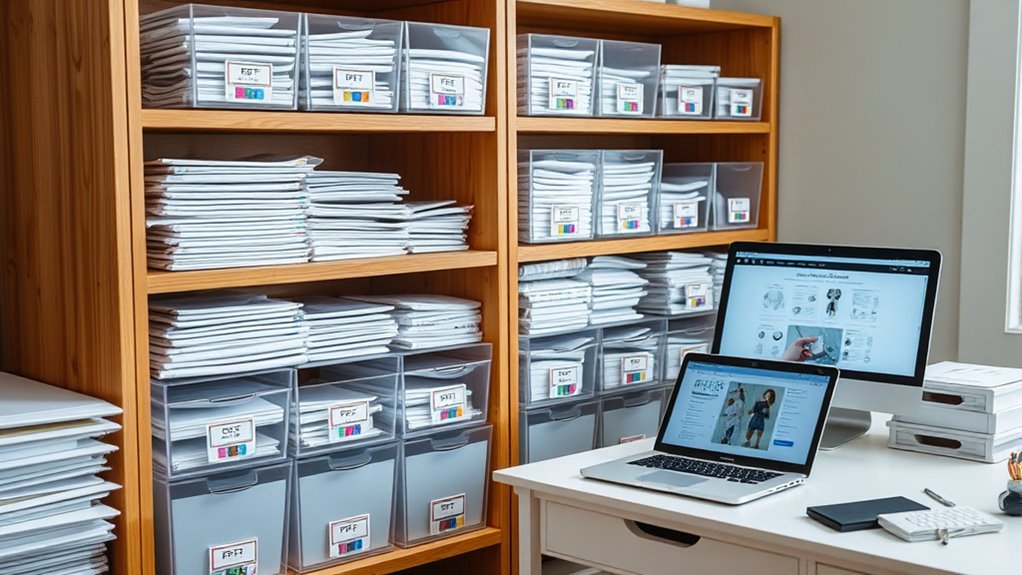

To store your PDF patterns effectively, create a digital filing system with well-organized folders labeled by designer or project, and use consistent naming conventions for easy identification. Add tags or keywords for quick search and consider cloud storage services like Google Drive or Dropbox for secure access across devices. For physical storage, use clear sleeves or binders organized by category. Keep your collection tidy and backed up—continue exploring ways to optimize your pattern management.
Key Takeaways
- Use organized digital folders with consistent naming conventions and tags for easy search and retrieval.
- Employ cloud storage services like Google Drive or Dropbox for centralized, backed-up access.
- Digitize physical patterns with scanners, then organize files in categorized folders by project or designer.
- Create digital catalogs or spreadsheets linking pattern files for quick browsing and reference.
- Implement version control and regular backups to protect digital patterns from data loss.

Have you ever struggled to keep your PDF patterns organized and easily accessible? If so, you’re not alone. Managing a growing collection of digital files can quickly become overwhelming without the right system in place. The key to staying on top of your patterns lies in effective digital archiving and using the right organizational tools. Digital archiving involves creating a structured, secure, and searchable system for your files, so you can find what you need without wasting time. Instead of cluttered folders scattered across your computer, consider establishing a dedicated folder hierarchy. For example, you might create main folders labeled by project type or designer, then subdivide those into specific pattern categories. This way, when the sewing bug hits, you can locate your pattern swiftly instead of scrolling endlessly through a jumble of files.
Streamline your PDF pattern collection with structured folders and easy search tools for quick access.
Organizational tools play a crucial role here. There are many software options and apps designed specifically for managing PDFs. Some programs allow you to add tags or keywords to each pattern, making search functions much more efficient. For instance, tagging patterns with characteristics like “dress,” “blouse,” or “winter” lets you find exactly what you need in seconds. Additionally, cloud storage services like Google Drive, Dropbox, or OneDrive are excellent for creating a centralized digital archive. They provide accessible, backup-enabled storage, so your patterns are safe from hardware failures and accessible from any device. Taking advantage of these tools means your patterns are not only organized but also protected and portable.
Another helpful tip is renaming your files consistently. Develop a naming convention that includes key details like designer, style, or size. For example, “McCalls_Dress_Vintage_8.pdf” instantly gives you information at a glance. Adding a brief note or description within the file’s metadata can further enhance searchability. If you prefer a visual approach, creating a digital catalog or spreadsheet listing your patterns with links to their files can save time when browsing. This method turns your collection into a digital library, making it easy to see what you own and track patterns you’ve already used or want to try. Incorporating digital asset management best practices can further optimize your organization system.
Ultimately, the goal is to streamline your pattern management process. By employing strategic digital archiving and leveraging organizational tools, you’ll find your PDF patterns easier to access and use. No more digging through folders or wasting time searching—just quick, efficient retrieval that keeps your sewing projects moving forward smoothly. With a solid system in place, you’ll enjoy sewing more and stressing less about finding the right pattern at the right moment.
Frequently Asked Questions
How Do I Organize Large PDF Pattern Collections Efficiently?
To organize large PDF pattern collections efficiently, you should create a clear labeling system, such as naming files with project names and dates. Use storage containers or digital folders to categorize patterns by type or project. Regularly update and tidy your system, making it easy to find patterns quickly. This approach saves time, keeps your collection manageable, and guarantees everything stays well-organized and accessible whenever you need it.
What Are the Best Ways to Back up Digital Patterns?
Your digital patterns are treasures, and backing them up is like building a safety net beneath a tightrope. Use cloud storage to keep copies accessible from anywhere, and enable version control to track changes over time. This way, you safeguard your collection from loss or accidental edits, ensuring your creative archive remains secure and easily recoverable, no matter what twists your sewing journey takes.
Can I Print Patterns on Multiple Sheets for Larger Designs?
Yes, you can print larger patterns on multiple sheets by using pattern scaling. Adjust your printer settings to tile or poster mode, which splits the design across several pages. Before printing, double-check your scale to guarantee accuracy. Once printed, carefully align and tape the sheets together to create your full pattern. This method allows you to work with larger designs without needing a special large-format printer.
How Do I Prevent Damage to Physical Pattern Sheets?
To prevent damage to your physical pattern sheets, always handle them carefully and store them properly. Use protective sleeves to shield the sheets from dirt, moisture, and tears, and keep them in acid-free folders to prevent deterioration over time. Avoid exposing your patterns to direct sunlight or extreme temperatures. By taking these steps, you’ll guarantee your patterns stay in great condition for future projects.
Are There Eco-Friendly Options for Storing Digital Patterns?
Ever wondered how to make your digital pattern storage eco-friendly? You can choose cloud services that prioritize digital pattern sustainability, reducing paper waste and energy consumption. Using eco-friendly storage solutions like external drives with energy-efficient features or opting for platforms committed to green practices supports sustainability. Isn’t it satisfying to protect your patterns while also helping the environment? Embracing eco-friendly storage options guarantees your digital patterns are stored responsibly and sustainably.
Conclusion
By choosing the right storage method, you keep your PDF patterns organized and easily accessible. For example, imagine storing your patterns in clearly labeled folders on a cloud service, so you can quickly find and print what you need for your next project. Whether you prefer digital backups or physical binders, staying consistent with your system guarantees your patterns stay safe and ready when inspiration strikes. With a solid storage plan, crafting becomes smoother and more enjoyable.