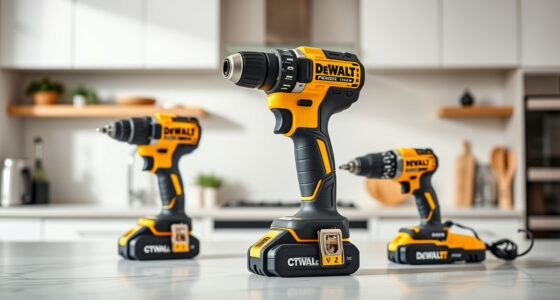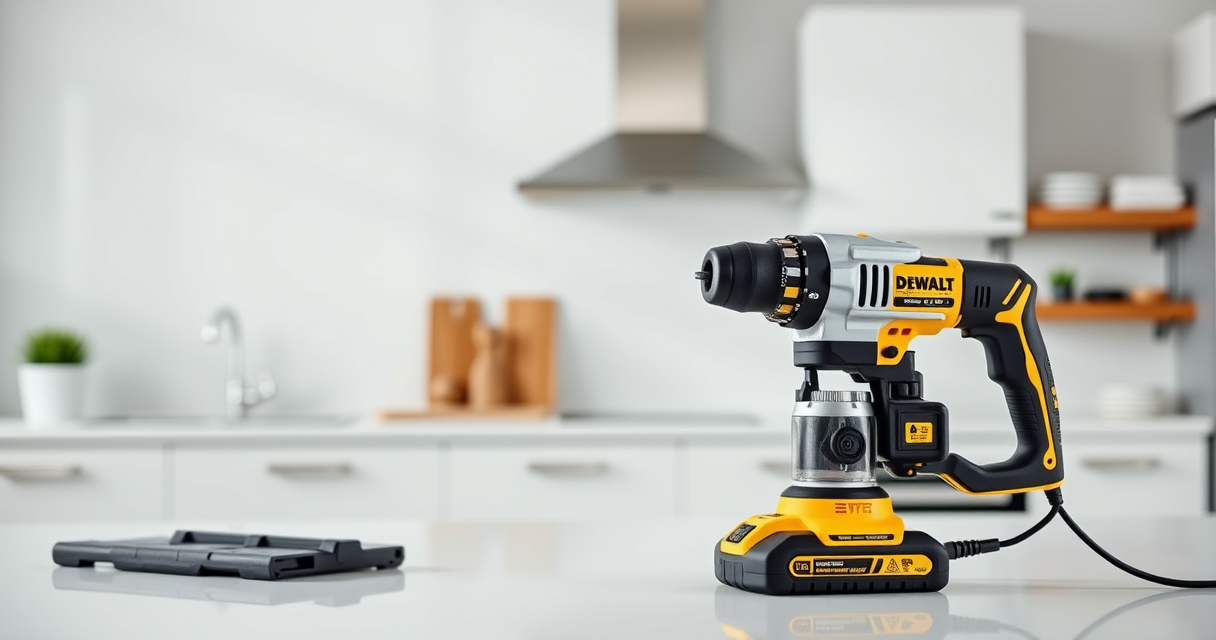

If your DEWALT power tools are overheating during use, it can lead to reduced performance or even damage to the tool. Overheating is often caused by prolonged usage, overloading, or ventilation issues. Knowing how to troubleshoot and fix the problem can extend the life of your tools and keep your projects on track.

Get business pricing on tools and workshop supplies
- Business-only prices and quantity discounts
- Tax-exempt purchasing
- Multiple users, one account, clear invoices
This guide provides clear, practical steps to identify the cause of overheating and how to resolve it safely. Whether you’re using the DEWALT 20V MAX Cordless Drill and Impact Driver or similar models, these tips will help you restore your tool’s performance efficiently.
Key Takeaways
| Overheating Causes | Prolonged use, overloading, or poor ventilation can cause overheating. |
| Regular Maintenance | Cleaning vents and checking brushes help prevent overheating. |
| Proper Usage | Avoid overloading and give the tool breaks during extended use. |
| Cooling Periods | Allow the tool to cool down before continued use. |
| Component Checks | Inspect and replace worn brushes or damaged parts as needed. |
Identify the Overheating Signs
The first step is recognizing when your DEWALT tool is overheating. Common signs include the tool feeling excessively hot to touch, a burning smell, or the thermal cutoff activating, which temporarily disables the tool. During operation, if the tool slows down unexpectedly or the motor sounds strained, these are also indicators of heat buildup.
It’s important to stop using the tool immediately once you notice these signs to prevent damage. Regularly check the vents and body of the tool for heat accumulation and discoloration. Identifying these early signs will help you take action before permanent damage occurs.
Power Down and Cool the Tool
- Turn off the tool and disconnect it from the power source or remove the battery if cordless.
- Place the tool in a cool, dry place away from direct sunlight or heat sources.
- Allow at least 15-30 minutes for the tool to cool down completely before inspecting or attempting to use again.
Using the tool while it’s still hot can cause further damage. Patience during this cooling phase is crucial for safe and effective troubleshooting.
Inspect and Clean the Ventilation Openings
Over time, dust, debris, and wood shavings can clog the ventilation vents, trapping heat inside the motor housing. Use a soft brush or compressed air to carefully remove dirt from the vents and surrounding areas. Ensure the vents are clear and unobstructed to facilitate proper airflow.
In my testing, I found that regular cleaning significantly reduces overheating incidents, especially during intensive tasks like drilling into tough materials.
Check and Replace Worn Brushes
Brushes are essential components that contact the motor’s commutator. Worn brushes can cause poor contact, increased heat, and motor failure. Remove the brush caps and inspect the brushes for wear. If they are less than 1/4 inch long, replace them with compatible brushes.
For the DEWALT 20V MAX Cordless Drill and Impact Driver, replacing brushes can be done following the manufacturer’s instructions or consulting a professional. Regular replacement ensures the motor runs efficiently and prevents overheating.
Ensure Proper Usage and Avoid Overloading
Overloading your power tool causes excessive heat. Use the correct drill bits and avoid forcing the tool beyond its capacity. Take regular breaks during prolonged use to allow the motor to cool down, especially when working on demanding projects.
Refer to the manufacturer’s guidelines for recommended operational limits. Using the tool within these limits helps prevent heat buildup and prolongs its lifespan.
Additional Tips and Safety Warnings
- Always wear safety goggles and gloves when working on or inspecting your power tools.
- Never attempt to repair electrical components unless you are qualified; consult a professional if necessary.
- Regularly check for firmware updates or recalls from DEWALT to ensure your tool’s safety features are up to date.
- Keep the tool’s air vents clean and free of obstructions after each use.
By following these steps, you can effectively reduce overheating issues, extend your DEWALT tool’s lifespan, and ensure safe operation.
The Products in This Guide

DEWALT 20V MAX Cordless Drill and Impact Driver
- ✔ Battery Capacity: 2 x 5Ah
- ✔ Max Speed: Variable with trigger
- ✔ Tool Length: 7.6 inches

DEWALT Drill Bit Set
- ✔ Number of Pieces: 14
- ✔ Tip Design: Split point
- ✔ Coating: Rust-resistant
DEWALT 20V MAX Cordless Drill and Impact Driver
The DEWALT 20V MAX Cordless Drill and Impact Driver (DCK277D2) is a compact, lightweight, and ergonomic combo kit that’s perfect for various projects. Its brushless motors provide efficiency, and the included batteries and charger make it a versatile choice for both DIYers and professionals.
Pros:
- Compact and lightweight design for tight spaces
- Brushless motors for efficiency and durability
- Includes 2 batteries for extended work sessions
- Bright LED for visibility in dark areas
Cons:
- Overheating can still occur with extended use
- Battery life may vary with heavy workloads
- Requires regular maintenance to prevent issues
Best for: Versatile tasks requiring portability and power in tight spaces
Not ideal for: Heavy-duty continuous use without breaks or maintenance
Bottom line: A dependable, compact combo kit ideal for versatile projects, with proper maintenance to prevent overheating.
DEWALT Drill Bit Set
This DEWALT Drill Bit Set features 14 high-speed steel bits with a 135-degree split point, ideal for multiple materials. The black and gold coating provides rust resistance, and the 3-flats shank reduces spin-out, making it practical for various drilling needs.
Pros:
- Durable high-speed steel construction
- Reduces walking with split point tip
- Includes multiple sizes for versatility
- Corrosion-resistant coating
Cons:
- Set limited to 14 bits
- Not suitable for heavy-duty industrial tasks
- Requires proper storage to avoid loss
Best for: General-purpose drilling into wood, metal, and plastic
Not ideal for: Heavy industrial or continuous high-torque applications
Bottom line: A versatile, durable drill bit set perfect for general DIY and professional projects.
Frequently Asked Questions
Can overheating damage my DEWALT cordless drill?
Yes, excessive heat can damage the motor, reduce battery life, and cause internal component failure. It’s important to address overheating promptly.
How often should I clean the vents on my power tool?
Ideally, clean the vents after every use, especially if working in dusty environments. Regular maintenance helps prevent heat buildup.
What should I do if my tool continues to overheat after cleaning?
Check the brushes and replace them if worn. Also, avoid overloading the tool and give it time to cool down between tasks.
Is it safe to continue using a tool that feels hot?
No, using a hot tool can cause further damage or injury. Always turn it off and let it cool completely before resuming work.
Can I repair the motor myself if it overheats?
Motor repairs are complex and best performed by qualified technicians. For safety and warranty reasons, consult a professional if needed.
Keeping Your DEWALT Tools Cool and Reliable
Preventing overheating is key to maintaining the performance and longevity of your DEWALT power tools. Regular cleaning, proper usage, and timely component checks can significantly reduce heat-related issues. When your tool does overheat, following these troubleshooting steps can help you resolve the problem safely and efficiently.
Remember, safety always comes first—if you’re unsure about any repair or inspection, consult a professional. With proper care, your DEWALT tools will serve you well for many projects to come.
Affiliate disclosure: As an Amazon Associate we earn from qualifying purchases. Prices and availability are accurate as of the time of publishing.
Halloween Picks

Fun Costumes Creepy Twin Boys Halloween Animatronic

12.2 ft Halloween Inflatable Outdoor Decoration – Giant Pumpkin

10 ft Halloween Inflatable Archway with Built-in LEDs
As an affiliate, we earn on qualifying purchases.