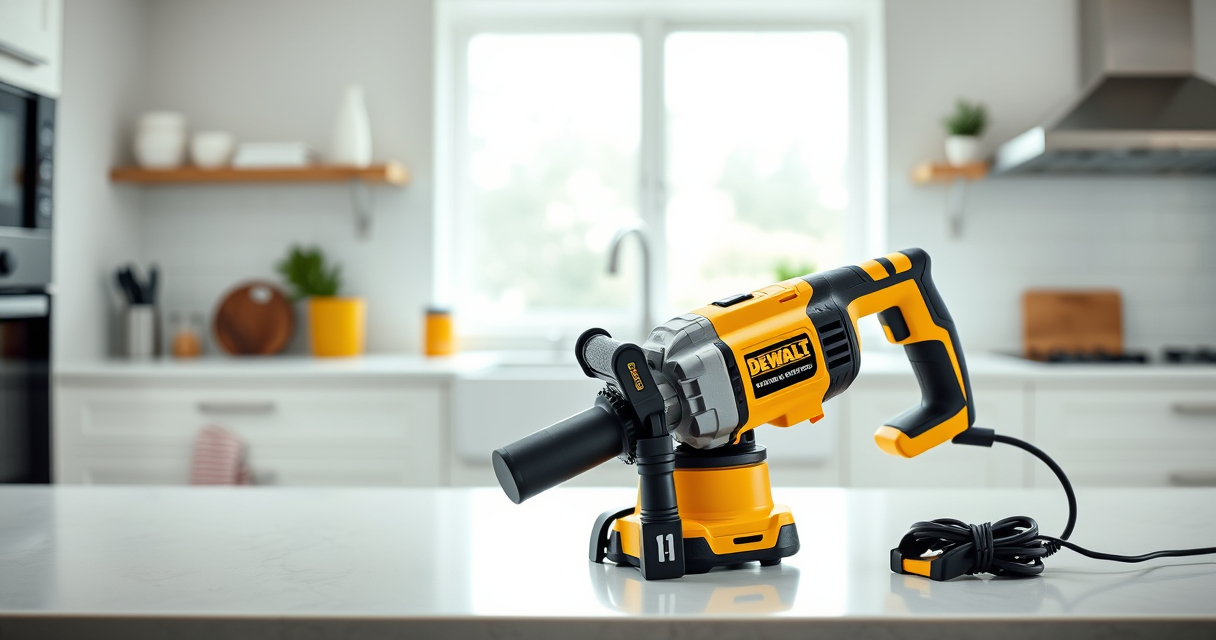

Getting started with your new DEWALT power tools is exciting, but proper setup is crucial for safety and optimal performance. Whether you’re a DIY enthusiast or a professional, this guide will walk you through the essential steps to assemble, power, and troubleshoot your DEWALT tools effectively.

Get business pricing on tools and workshop supplies
- Business-only prices and quantity discounts
- Tax-exempt purchasing
- Multiple users, one account, clear invoices
We’ll focus on the DEWALT 20V MAX Cordless Drill Driver Set, a versatile and lightweight tool perfect for various applications. Follow these steps carefully to ensure your tool operates safely and efficiently from the start.
Key Takeaways
| Safety First | Always wear safety gear and follow manufacturer instructions. |
| Battery Handling | Use compatible DEWALT batteries and ensure they are charged properly. |
| Proper Assembly | Securely install drill bits and accessories to prevent accidents. |
| Tool Maintenance | Keep your tool clean and inspect for damage regularly. |
| Troubleshooting | Identify common setup issues and resolve them safely. |
Unboxing and Initial Inspection
- Carefully unpack your DEWALT Cordless Drill Driver Set, ensuring all components are present: drill, battery, charger, and accessories.
- Inspect each item for any visible damage or defects during transit, such as cracks, loose parts, or corrosion.
- Read the user manual thoroughly to familiarize yourself with the tool’s features and safety instructions.
Inserting the Battery and Charging
Begin by installing the 20V MAX 5 Ah Lithium-Ion battery (ASIN: B00KQU1ENG) into the drill.
- Align the battery contacts with the slots on the base of the drill.
- Push firmly until you hear a click, indicating the battery is securely in place.
If the battery isn’t charged, connect it to the DEWALT charger (included) and wait until the LED indicator shows full charge. Using a fully charged battery ensures optimal performance and safety.
Assembling and Installing Accessories
- Select the appropriate drill bit or screwdriver bit for your task.
- Insert the bit into the single-sleeve ratcheting chuck, aligning the shank properly.
- Turn the chuck clockwise to tighten securely. Use the chuck key if your model includes one, but most DEWALT drills feature a keyless chuck for quick changes.
- Ensure the bit is firmly seated before powering on the tool.
Check that the bit does not wobble and is properly locked in place to prevent accidents during operation.
Powering On and Basic Operation
Press the trigger to turn on the drill. The LED light will activate, providing visibility in dim spaces.
Adjust the speed setting to your desired level: the DEWALT 20V MAX drill features 2-speed options for different tasks—lower for controlled driving, higher for faster drilling.
Test the drill on a scrap piece of material to get a feel for its operation and ensure everything functions correctly.
Safety Tips and Maintenance
- Always wear eye protection and gloves when operating power tools.
- Keep your work area clear of debris and ensure proper lighting.
- Regularly clean the tool with a dry cloth and inspect for any damage or loose parts.
- Store the drill and accessories in a dry, safe place when not in use.
- Recharge batteries only with approved DEWALT chargers to prevent damage or safety hazards.
Remember to disconnect the battery before performing any maintenance or changing accessories.
The Products in This Guide

DEWALT 20V MAX Cordless Drill Driver Set
- ✔ Motor Type: Brushless
- ✔ Max Torque: 340 UWO
- ✔ Included Accessories: Battery and charger

DEWALT Drill Bit Set
- ✔ Tip Design: Split point
- ✔ Material: High-Speed Steel
- ✔ Coating: Black and gold
DEWALT 20V MAX Cordless Drill Driver Set
The DEWALT 20V MAX Cordless Drill Driver Set offers excellent performance with its brushless motor, lightweight design, and ergonomic grip. It’s perfect for both professional and DIY use, providing durability and ease of use in tight spaces.
Pros:
- Brushless motor for longer run time
- Compact and lightweight design
- LED light for visibility
- Two-speed transmission for versatility
Cons:
- Battery life may vary with heavy use
- Chuck size limited to 1/2 inch
- Requires compatible batteries and charger
Best for: General-purpose drilling, fastening, and DIY projects
Not ideal for: Heavy-duty industrial applications requiring more power
Bottom line: A compact, high-performance drill ideal for versatile tasks around the home or job site.
DEWALT Drill Bit Set
Pair your DEWALT drill with this 14-piece drill bit set featuring 135-degree split points and Tapered web design. It’s durable and designed for various materials like plastic, wood, and metal.
Pros:
- Sharp, durable High-Speed Steel bits
- Split point reduces walking
- Easy size identification
- Corrosion-resistant coating
Cons:
- Bits may wear with frequent heavy use
- Limited to specific sizes
- Requires proper storage to prevent rust
Best for: General-purpose drilling in different materials
Not ideal for: Heavy industrial drilling or very large holes
Bottom line: A versatile drill bit set that complements your DEWALT drill for a variety of tasks.
Frequently Asked Questions
How do I charge the DEWALT 20V MAX battery?
Connect the battery to the DEWALT charger, and wait until the LED indicator shows a full charge. Ensure you use an official DEWALT charger for safe and efficient charging.
Can I use different batteries with my DEWALT drill?
Yes, as long as the batteries are compatible with the 20V MAX system, like the 5Ah DEWALT batteries (ASIN: B00KQU1ENG).
How do I change the drill bit?
Loosen the chuck by turning it counterclockwise (by hand or with a chuck key), insert the new bit, then tighten the chuck securely before use.
What safety gear should I wear when using my drill?
Always wear safety glasses to protect your eyes, and gloves if necessary. Keep your work area clear and avoid loose clothing or jewelry.
What should I do if the drill isn’t working properly?
First, check that the battery is fully charged and properly installed. Inspect the bit and chuck for damage, and ensure the trigger and safety features are functioning correctly.
Getting the Most Out of Your DEWALT Power Tools
Proper setup and maintenance are essential for safe and efficient use of your DEWALT power tools. By following these steps—starting from unboxing to routine safety checks—you can ensure your tools perform reliably for years to come. Remember, always prioritize safety and consult the user manual for specific instructions related to your model.
With careful setup and regular care, your DEWALT drill will be a dependable partner for all your projects, big or small.
Affiliate disclosure: As an Amazon Associate we earn from qualifying purchases. Prices and availability are accurate as of the time of publishing.
Halloween Picks

Haunted Hill Farm 4.6‑Ft Head‑Spinning Beatrix Halloween Animatronic Prop

10-Foot Halloween Inflatable Double-Headed Dragon Archway

Spirit Halloween Scary Sitting Scarecrow Animatronic, 4 ft 6 in
As an affiliate, we earn on qualifying purchases.