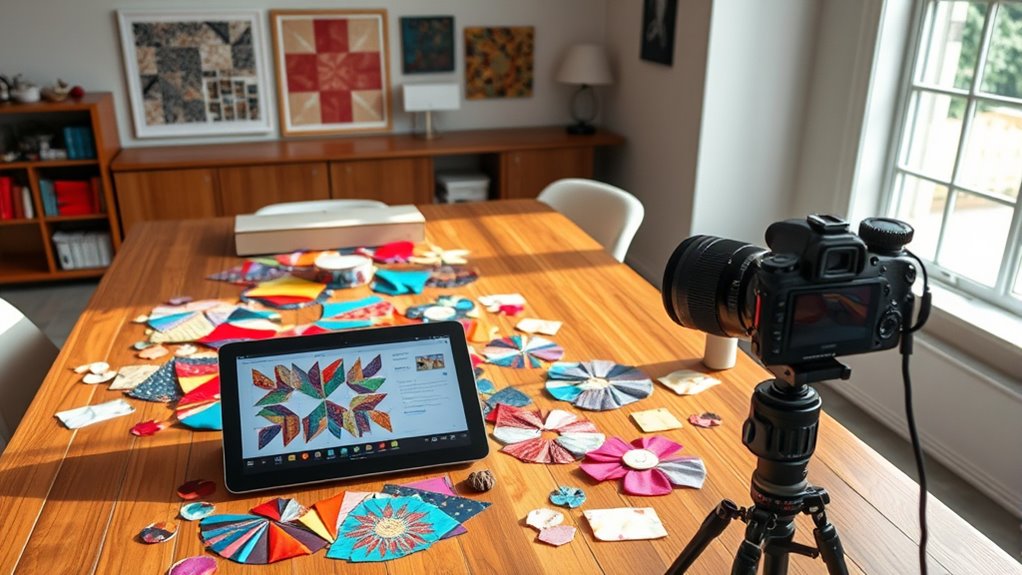

You can improve your quilt layout planning by exploring free digital tools designed for fabric visualization, color selection, and arrangement simulations. These tools let you upload fabric swatches or choose from palettes, helping you see how colors and patterns work together before sewing. With features like drag-and-drop layouts and preview modes, you can experiment easily and avoid fabric waste. To find out more about top free options and tips for perfect planning, keep going.
Key Takeaways
- Explore popular free digital quilt design tools like QuiltPlanner and Canva for layout visualization.
- Assess each tool’s features, such as drag-and-drop interfaces and fabric swatch libraries.
- Review user feedback on ease of use, customization options, and ability to simulate fabric arrangements.
- Compare the ability to experiment with color schemes and layout options before committing to cuts.
- Identify tools that offer exporting, sharing, or printing options to streamline the planning process.
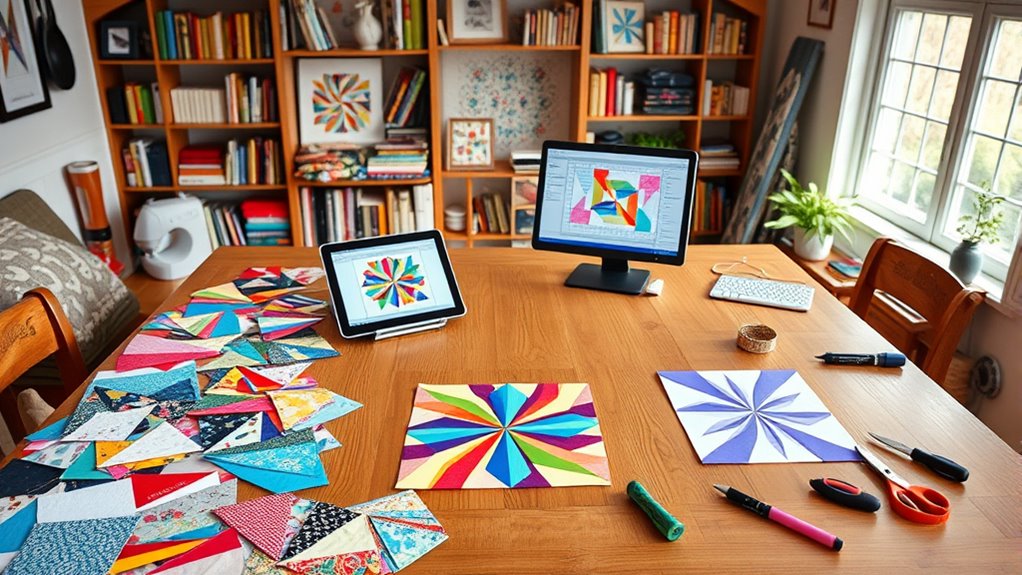
Have you ever wondered how to transform fabric squares into a stunning quilt? The secret lies in thoughtful quilt layout planning, starting with careful fabric selection and color coordination. When you’re choosing fabrics, think about how the colors and patterns will work together across the entire quilt. It’s tempting to pick fabrics based on how they look individually, but the real magic happens when you consider how they’ll appear side by side. Opt for a cohesive palette—whether you prefer vibrant, contrasting shades or a more muted, harmonious blend. Consider the mood you want to evoke and select fabrics that complement each other, ensuring your quilt has visual balance. Keep in mind that fabric types and textures can also influence the overall effect, so mix and match patterns, solids, and textures thoughtfully.
Once you’ve picked your fabrics, the next step is color coordination. Visualize your quilt as a whole, rather than just individual patches, and plan how colors will flow from one section to another. Think about using a color wheel to help select complementary or analogous hues, which naturally create pleasing arrangements. You might want some sections to pop with bold contrasts, or you may prefer a more subtle, monochromatic look. Remember that color placement can dramatically affect the depth and interest of your quilt. To make this process easier, many digital tools offer features that help you experiment with color schemes before stitching begins. These tools allow you to upload fabric swatches or choose from digital palettes, giving you a clear picture of what the finished layout will look like. Additionally, understanding fabric composition can help you select materials that will hold color well and age gracefully over time.
Planning your layout with these digital tools also helps you visualize how your fabric selection and color coordination will translate into the final design. You can experiment with different arrangements, shifting blocks around to see how colors interact. This step saves time and fabric, as you can test various layouts without committing to cutting or sewing prematurely. Many free digital quilt planning tools include drag-and-drop interfaces and pre-designed templates, making it easier to see how your fabric choices look in multiple configurations. By integrating these resources into your planning process, you gain confidence that your fabric selection and color coordination will come together harmoniously. This foundation sets the stage for a well-structured, eye-catching quilt, turning your fabric choices into a cohesive masterpiece.

Electric Quilt Software BLOCKBASE, for Mac and Windows
Craft Supplies
As an affiliate, we earn on qualifying purchases.
As an affiliate, we earn on qualifying purchases.
Frequently Asked Questions
Can These Tools Handle Complex, Custom Quilt Designs?
You might wonder if these tools can handle complex pattern support and custom template creation. Generally, many free digital tools are designed for straightforward layouts, but some offer advanced features for more intricate designs. You can customize templates and manage complex patterns, though your experience may vary depending on the tool’s capabilities. Exploring specific features will help you determine if they meet your needs for complex, custom quilt designs.
Are There Mobile App Versions Available for These Tools?
You wonder if these tools have mobile app versions, and the answer varies. Some offer mobile compatibility, letting you design on the go, while others lack dedicated apps. If offline functionality matters, check each tool’s features—many only work online, limiting flexibility. You’ll want to explore your options carefully, ensuring the app’s features fit your quilting needs, whether on a tablet or smartphone, for seamless, portable design sessions.
How Secure Is My Design Data When Using Online Tools?
When you use online tools for your quilt designs, privacy concerns and data encryption are key factors to take into account. These tools often implement data encryption to protect your designs from unauthorized access, but the level of security varies. You should review each platform’s privacy policies and security measures. Always choose reputable tools that prioritize data protection, so your creative work stays safe and private while you’re designing online.
Do These Tools Support Collaboration With Multiple Users?
Collaboration can feel like a double-edged sword—exciting yet risky. Many free digital quilt layout tools support multi-user editing and collaboration features, making it easy to work together in real-time. You’ll appreciate how these tools streamline communication and sharing, but you should also be aware of potential privacy concerns. Overall, they’re designed to enhance teamwork, helping you create beautiful quilts with input from multiple users seamlessly.
Are There Tutorials Available for Beginners on Each Platform?
You’ll find that most platforms offer helpful video tutorials and user guides tailored for beginners. These resources walk you through essential features, making it easier to get started quickly. Whether you prefer watching step-by-step videos or reading detailed user guides, these tutorials boost your confidence and improve your skills. Exploring these learning materials guarantees you understand the tools better and can efficiently plan your quilt layouts with ease.

Quilting Ruler Template for Sewing Machine, 4mm Transparent Acrylic Meander Quilting Ruler, Free Motion Quilting Tool for Stippling & Patchwork, Beginner-Friendly Template
EFFORTLESS FREE-MOTION QUILTING Create smooth, flowing meander and stipple patterns with ease using this precision acrylic quilting ruler….
As an affiliate, we earn on qualifying purchases.
As an affiliate, we earn on qualifying purchases.
Conclusion
With these free digital tools, you can effortlessly plan your quilt layout and bring your creative vision to life. Imagine designing a vibrant, complex pattern for a family heirloom, adjusting pieces easily on your screen. For example, Sarah used a tool to experiment with colors and shapes before stitching, saving time and reducing mistakes. Embrace these tools, and you’ll turn your quilting ideas into beautiful, well-organized projects with confidence and ease.

42Pcs 10"x10" Quilting Cotton Fabric Squares Sheets Pre-Cut Multi-Color Design Printed Floral Craft Fabric for DIY Sewing Scrapbooking Quilting Craft Patchwork (Red/Pink/Yellow/Green/Blue/Purple)
42 pieces 9.8 inches x9.8 inches (25cm x 25cm), fabric patchwork in 6 different color series, 7 pieces…
As an affiliate, we earn on qualifying purchases.
As an affiliate, we earn on qualifying purchases.

Essential Color Card Deck: Break out of the Color Wheel with 200 Cards to Mix, Match & Plan! Includes Hues, Tints, Tones, Shades & Values
As an affiliate, we earn on qualifying purchases.
As an affiliate, we earn on qualifying purchases.