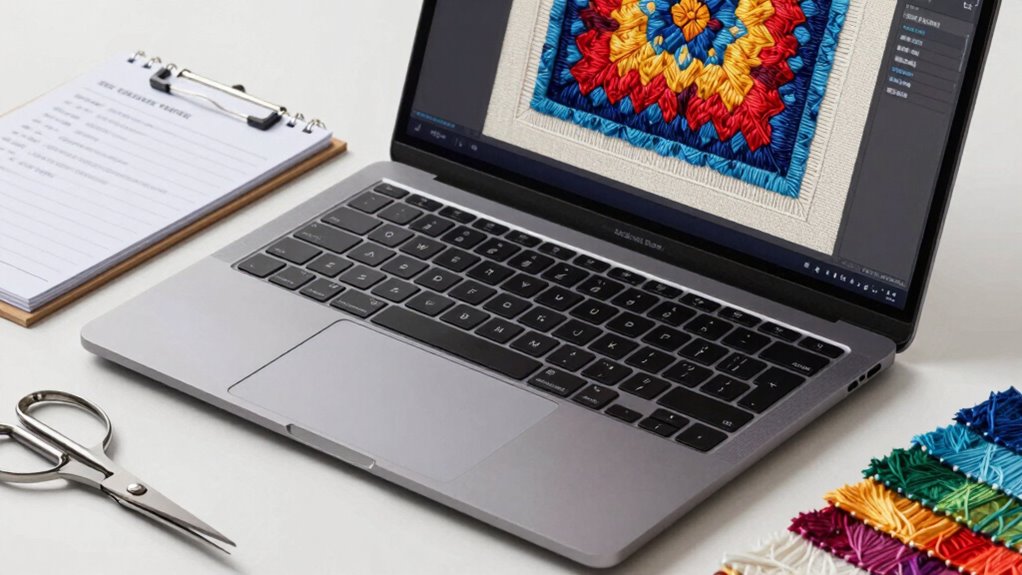

To run embroidery software smoothly, prioritize a laptop with a fast multi-core processor and at least 8GB of RAM to handle complex designs and multitasking. A solid-state drive improves load times, and a high-resolution display with accurate color reproduction helps you see intricate details clearly. Reliable internet and storage options like cloud compatibility boost collaboration and file management. If you keep exploring, you’ll discover more key specs to optimize your embroidery workflow effectively.
Key Takeaways
- Prioritize a multi-core processor and at least 8GB RAM for smooth handling of complex embroidery designs.
- Opt for SSD storage to ensure fast load times and efficient project management.
- Choose a high-resolution, color-accurate display for precise editing and detailed design work.
- Ensure reliable internet connectivity for seamless cloud storage access and real-time collaboration.
- Select a lightweight, long-lasting battery laptop for portability during classes, fairs, or on-the-go projects.
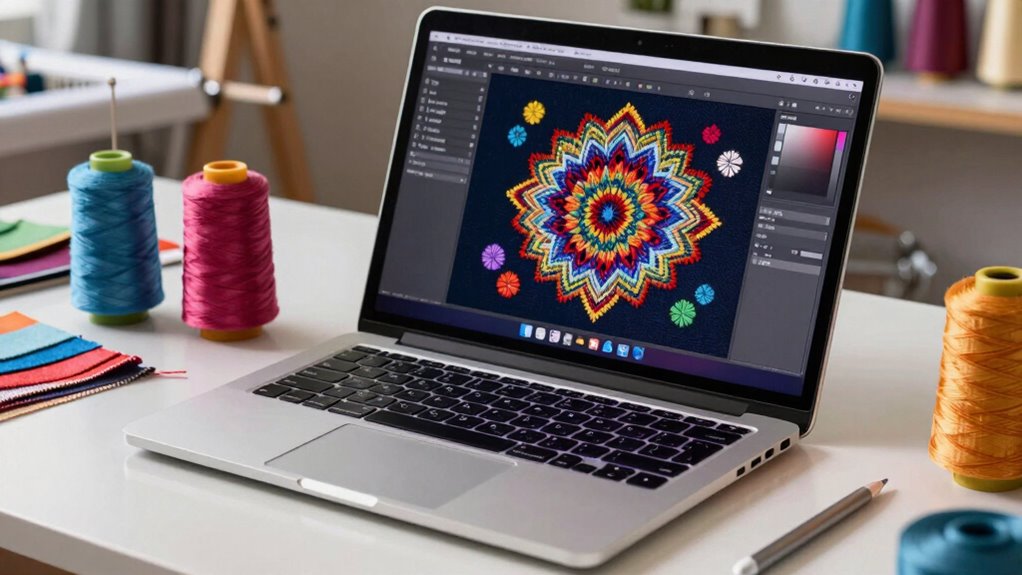
Choosing the right laptop for embroidery software is vital to guarantee smooth, efficient design creation and editing. When you’re working on intricate patterns, complex designs, or managing multiple files, the laptop’s specs can make all the difference. One key feature to consider is cloud storage. Embroidery projects tend to be large files, and relying solely on your device’s internal storage can be limiting. cloud storage solutions like OneDrive, Google Drive, or Dropbox let you access your designs from anywhere, back up your work automatically, and share projects easily with clients or collaborators. This flexibility ensures that your creative process isn’t hindered by storage constraints, and you can switch devices or locations without hassle. Additionally, internet connectivity plays a crucial role in accessing and syncing cloud-based files efficiently, so a reliable connection is essential for seamless workflow. Ensuring your device has adequate internet speed can prevent frustrating delays when uploading or downloading large files. Moreover, a good internet connection can facilitate real-time collaboration with clients or team members, making project management more efficient. A stable internet connection is also critical for downloading updates or troubleshooting software issues quickly, minimizing downtime during busy periods.
Cloud storage like Google Drive or Dropbox ensures easy access, automatic backups, and seamless sharing of large embroidery files.
Another vital aspect is a touchscreen interface. Many embroidery software programs are optimized for touchscreens, making it easier to zoom in on fine details, rotate designs, or make quick adjustments with intuitive gestures. A laptop with a responsive touchscreen provides a more natural, hands-on experience, especially if you prefer to avoid constant mouse or trackpad use. It can speed up your workflow and make editing more precise, helping you to focus on your creativity rather than technical hurdles. Beyond these features, you should also pay attention to the processor and RAM. Embroidery software can be resource-intensive, especially when handling high-resolution designs or multiple layers. A fast, multi-core processor ensures smooth operation without lag, while at least 8GB of RAM is recommended for seamless multitasking. A solid-state drive (SSD) will considerably improve load times, saving you precious minutes during busy editing sessions. Efficient storage management is also important to keep your workspace organized and to prevent clutter that can slow down your workflow. The display quality matters too; a high-resolution screen with accurate color reproduction helps you see your designs clearly, preventing errors and ensuring your final product looks professional.
Battery life is another practical factor. If you frequently work at craft fairs, classes, or away from power outlets, a long-lasting battery is essential. Lightweight laptops with durable builds also make portable work easier without sacrificing performance. Ultimately, the best laptop for embroidery software balances power, portability, and user-friendly features like a touchscreen, along with cloud storage options for effortless project management. By focusing on these specs, you’ll set yourself up for a smoother, more productive creative experience.

Dell Latitude 5400 Laptop FHD Touchscreen, Intel Core I5-8365U 8th Gen Processor, 32GB Ram, 512GB SSD, Webcam, Type C, HDMI Windows 11 Pro (Renewed)
- Durable Business-Grade Laptop: Built for professional use and reliability
- FHD Touchscreen Display: Vivid visuals with responsive touch interface
- Powerful Processor: Intel Core i5-8365U 8th Gen for efficiency
As an affiliate, we earn on qualifying purchases.
As an affiliate, we earn on qualifying purchases.
Frequently Asked Questions
Can I Use a Gaming Laptop for Embroidery Software?
Yes, you can use a gaming laptop for embroidery software. Gaming laptops usually meet hardware compatibility and software requirements, like a powerful processor and ample RAM. However, make sure it has enough storage and a good graphics card if needed. Just double-check the specific embroidery software’s system requirements to avoid any compatibility issues, and you’ll have a smooth experience working on your projects.
Do I Need a Touchscreen Laptop for Embroidery Design?
You don’t need a touchscreen laptop to design embroidery patterns, but it can make your work more intuitive. With stylus compatibility, you can draw directly on the screen, enhancing precision and creativity. Focus on screen resolution—higher resolutions offer clearer details, making intricate designs easier to manage. If you prefer natural, hands-on control, a touchscreen with stylus support might be worth considering; otherwise, a laptop with a good keyboard and display can suffice.
What Is the Best Battery Life for Embroidery Tasks?
You should look for a laptop with at least 8-10 hours of battery longevity for embroidery tasks. Prioritize power efficiency to make certain your device lasts through long design sessions without constant recharging. A laptop with good battery life allows you to work flexibly, whether you’re at a craft fair or away from power outlets. Opt for models known for their energy-saving features and long-lasting batteries to keep your creativity flowing.
Are Macbooks Suitable for Embroidery Software?
You might find a MacBook appealing, but it’s not the best fit for embroidery software. Mac compatibility can be limited, and many embroidery programs aren’t optimized for macOS, causing potential frustration. Imagine trying to create intricate designs with a tool that doesn’t fully support your software—disappointing, right? To guarantee smooth operation and seamless design work, opt for a Windows laptop, where software optimization is more reliable and tailored for embroidery tasks.
How Important Is GPU Power for Embroidery Design?
GPU power isn’t essential for embroidery design, as most embroidery software relies more on CPU performance and RAM. While having a decent GPU can enhance overall system responsiveness, it doesn’t considerably impact embroidery software compatibility or performance. Focus on meeting the recommended GPU requirements, if specified, to guarantee smooth operation. Prioritize a good processor, ample memory, and a reliable storage system for the best embroidery design experience.
Conclusion
Choosing the right laptop for embroidery software is like selecting the perfect needle for your craft—precision matters. Focus on the specs that truly matter, like a powerful processor and ample RAM, to keep your creative flow smooth as silk. Don’t get tangled in unnecessary features; instead, pick a device that acts as a steady loom, weaving your designs effortlessly. With the right laptop, your embroidery projects will flourish like a vibrant tapestry of imagination.