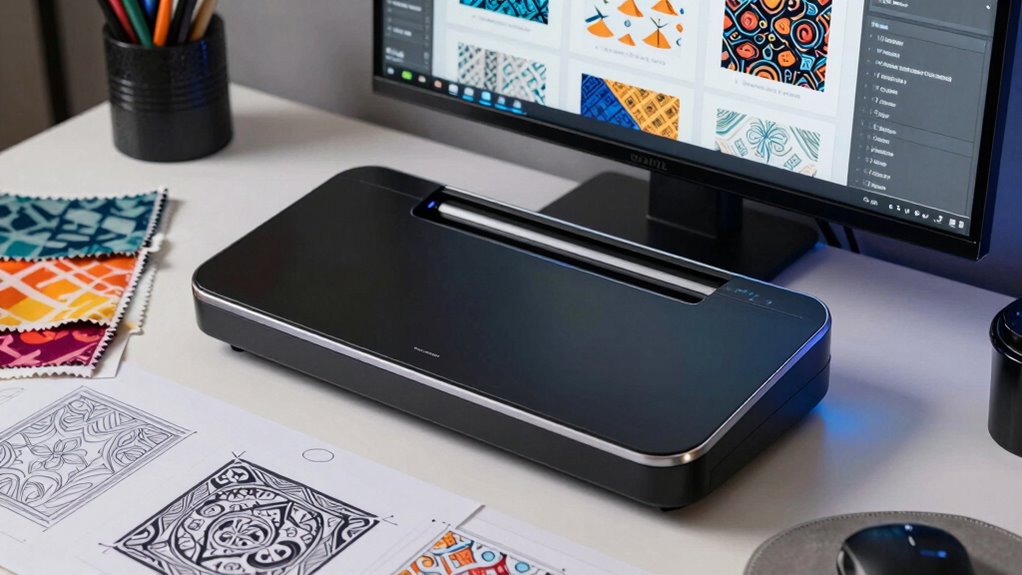

Using scanners to digitize your patterns lets you create a reliable backup, safeguarding your valuable designs from physical damage or loss. You can organize files with metadata like titles and keywords, making them easy to find and manage later. Regularly updating and backing up your digital archives guarantees your work stays secure and accessible over time. Implementing best practices helps streamline your workflow and protects your creative assets—discover how these strategies can work for you.

Get business pricing on tools and workshop supplies
- Business-only prices and quantity discounts
- Tax-exempt purchasing
- Multiple users, one account, clear invoices
Key Takeaways
- Scanners enable reliable digitization of physical patterns, creating organized digital archives for easy access and preservation.
- Implementing metadata standards with scanned patterns enhances searchability and long-term manageability.
- Regular backups of digital pattern archives protect against data loss from hardware failures or accidental deletions.
- Standardized file formats and naming conventions ensure future-proof storage and seamless integration across platforms.
- Digitized pattern archives improve workflow efficiency, reduce physical handling, and safeguard valuable design information.
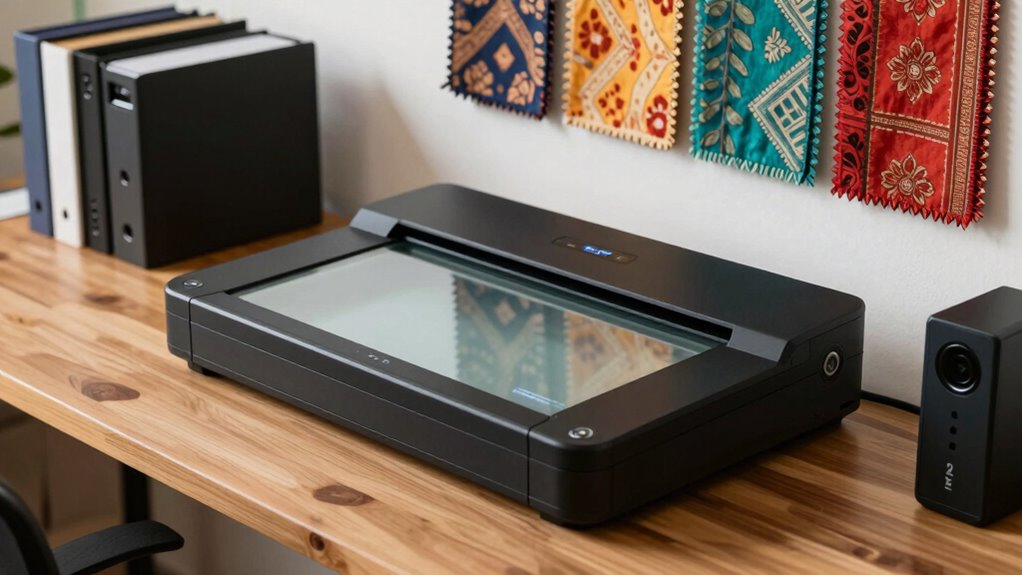
In today’s digital age, scanners play an essential role in transforming physical documents into accessible electronic files. This process isn’t just about digitizing; it’s about creating a reliable backup system that safeguards your valuable information. When you scan documents, you’re not only converting paper into pixels but also establishing a foundation for effective metadata management. Proper metadata—details like titles, dates, authors, and keywords—ensures that your digital files are easy to locate and organize later. Without accurate metadata, even the clearest scans can become lost in a cluttered digital archive, making retrieval a frustrating challenge. By systematically attaching relevant metadata, you streamline digital preservation efforts. This approach helps maintain the integrity of your documents over time, preventing data loss due to hardware failures or accidental deletions.
Effective metadata ensures digital files are easy to find, organize, and preserve over time.
Using scanners as part of your backup plan also offers a practical solution for patterns that recur in your work or personal life. For example, if you regularly handle contracts, receipts, or project files, digitizing these creates a stable, accessible archive. When stored correctly, these digital copies serve as a dependable reference, reducing the risk of losing essential information. Furthermore, digital preservation strategies rely heavily on well-organized scanned files. Regularly updating your digital archive, backing it up to cloud services or external drives, and maintaining consistent naming conventions all contribute to a resilient system. This way, you’re not just creating a static collection but building a dynamic, up-to-date repository that’s easy to navigate. Effective metadata management also enhances searchability, making it easier to locate specific documents quickly. Incorporating digital preservation best practices can further ensure your data remains secure and intact over the long term. Additionally, adopting standardized file formats can help future-proof your digital archives against software obsolescence. Employing metadata standards ensures consistency and compatibility across different platforms and tools. Developing a clear understanding of digital file organization principles can significantly improve your workflow and reduce the time spent searching for documents.
Scanners also enhance your ability to implement a smart backup plan by enabling quick access to stored information. When you need to verify a detail or retrieve an important document, you simply search your digital archive rather than rifling through physical piles. This saves time and reduces clutter, but it also minimizes the physical wear and tear on original documents. As you digitize more materials, you build an all-encompassing digital record that supports long-term digital preservation. It ensures your data remains intact and accessible, even if the original paper copies are damaged or lost.
In essence, incorporating scanners into your routine isn’t just about creating digital copies; it’s about establishing a resilient, organized system that safeguards your patterns and workflows. Proper metadata management and a focus on digital preservation turn a simple scanning process into a powerful tool for maintaining continuity, security, and efficiency in your digital archive.
Popular right now

Breville Barista Pro Espresso Machine with Grinder, Brushed Stainless Steel
Dyson Car+Boat Cordless Handheld Vacuum

iRobot Roomba Max 715 Pet Robot Vacuum with AutoEmpty Dock
As an affiliate, we earn on qualifying purchases.
Frequently Asked Questions
How Often Should Digital Archives Be Updated?
You should update your digital archives regularly, ideally every few months, to keep metadata management current and guarantee new patterns are added. Frequent updates help maintain data accuracy and relevance. Use cloud storage options for seamless, secure backups, and automate the process where possible. Staying consistent with updates protects valuable patterns and makes retrieval easier, giving you a reliable and organized digital archive over time.
What Is the Best File Format for Pattern Storage?
You should store patterns in a high-quality, lossless file format like TIFF to guarantee ideal color accuracy and preserve details. TIFF files support file compression, which reduces file size without sacrificing quality, making them ideal for pattern storage. Using this format lets you maintain true colors and sharp details, so your patterns stay vibrant and accurate over time, making digital archives reliable and easy to access for future use.
How to Ensure Digital Archives Are Secure From Cyber Threats?
To keep your digital archives secure from cyber threats, you should implement strong encryption protocols to protect sensitive data and guarantee confidentiality. Additionally, set up robust access controls so only authorized personnel can view or modify your files. Regularly update your security measures, monitor access logs, and use multi-factor authentication to strengthen your defenses. These steps help safeguard your archives from unauthorized access and potential breaches.
Can Scanners Handle Delicate or Fragile Pattern Materials?
Can scanners handle delicate or fragile pattern materials? Absolutely, if you use proper fragile material handling and preservation techniques. Specialized flatbed or overhead scanners with gentle, adjustable pressure prevent damage. You should also select scanners designed for delicate items, ensuring minimal contact and avoiding heat or pressure that could harm the material. This way, you preserve the integrity of your patterns while creating high-quality digital copies.
What Is the Recommended Resolution for Scanning Patterns?
You should scan patterns at a resolution of at least 300 DPI for clear detail, especially if you’ll print or enlarge them later. Use proper resolution settings on your scanner to avoid pixelation. Additionally, verify color calibration is accurate to preserve true colors. This combination guarantees high-quality digital copies, making it easier to archive and reproduce patterns accurately without losing detail or color fidelity.
Conclusion
By now, you see that scanners and digital archives aren’t just tools—they’re your smart backup plan for preserving patterns. Digitizing your work safeguards your designs against loss, wear, and time. Remember, a stitch in time saves nine; taking quick action with digital backups keeps your creative patterns safe for the future. Embrace this modern approach, and your patterns will stay intact, ready for any new project or challenge ahead.