To scale and repeat in Procreate for seamless prints, start with a square canvas and create motifs with edges that align perfectly for tiling. Use guides and grids to position your design elements precisely. Test the pattern by duplicating and shifting layers to spot any seams or gaps, then refine your motifs until they tile seamlessly. Keep layers organized and adjust as needed—if you keep practicing, you’ll master professional-quality, seamless patterns with ease.

Get tools and workshop supplies delivered free — and shop member deals
- Fast, free delivery on millions of items
- Access to Prime Big Deal Days deals on October 6–7
- Prime Video, Amazon Music and more included
Key Takeaways
- Create a square canvas and design motifs with seamless edge connections for easy repeatability.
- Use Procreate’s transform and grid guides to accurately position motifs for seamless tiling.
- Test repeats by duplicating and shifting the pattern to identify and fix visible seams.
- Keep motifs on separate layers to adjust scale and placement without affecting the entire pattern.
- Export the pattern as a tileable file and test in external software to ensure perfect seamless repeats.
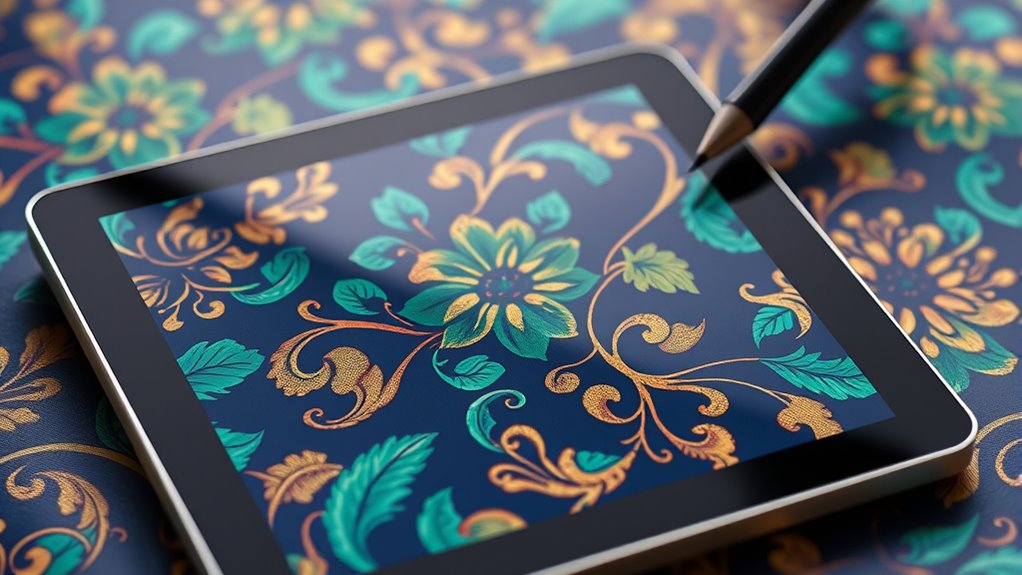
Creating seamless prints can seem intimidating, but with Procreate, the process becomes intuitive and enjoyable. When you’re starting, the key is understanding how to create a pattern that tiles perfectly without visible seams. This begins with pattern creation—carefully designing elements that will repeat seamlessly across your canvas. You want to think about how each motif interacts with the edges, ensuring that when the pattern tiles, everything aligns perfectly. To do this efficiently, work on a square canvas, as it simplifies the process of making seamless repeats. Use the drawing guides or grid features to help position your motifs accurately. Keep your elements within the boundaries, avoiding any parts that cross the edges unless they are meant to connect seamlessly.
Design seamless patterns by carefully aligning motifs on a square canvas for perfect repeats.
Next, focus on your color palette. Selecting a cohesive set of colors makes your pattern more harmonious and visually appealing. You may want to choose a limited palette to keep the design unified, or experiment with bold contrasts if you’re aiming for a vibrant look. When designing your motifs, constantly think about how the colors will interact once repeated. A well-chosen palette ensures that your pattern doesn’t appear chaotic or mismatched. You can also use Procreate’s color harmony tools to create balanced and complementary palettes, making your overall design more polished.
Once your motifs are ready, you’ll want to test the repeatability. A simple way is to duplicate your pattern and move the copies to see how they align. Use the transform tool to shift your motifs slightly and examine the edges for any mismatched parts. If you notice any seams or gaps, refine your pattern by adjusting the motifs or repositioning elements. Keep toggling between your original and duplicated versions to ensure everything lines up seamlessly. This trial-and-error process is essential in perfecting your pattern’s repeatability.
Another tip is to work in layers. Keep your motifs on separate layers so you can easily make adjustments without disturbing the entire pattern. When you’re satisfied, merge the layers and make the final tweaks. Save your pattern as a tileable file, which you can then test in an app or software that creates seamless repeats, ensuring it tiles properly before printing or fabricating. Additionally, understanding the importance of color accuracy can elevate your design, making your seamless prints appear more vibrant and true to your intended palette. With patience and attention to detail, your pattern will come together beautifully, transforming your initial sketches into a professional-looking seamless print. Using Procreate for pattern creation and selecting the right color palette makes the entire process rewarding and efficient, giving you the confidence to produce stunning, professional-grade designs.
Procreate seamless pattern brushes
As an affiliate, we earn on qualifying purchases.
As an affiliate, we earn on qualifying purchases.
Frequently Asked Questions
How Do I Choose the Right Tile Size for Seamless Patterns?
When choosing the right tile size for seamless patterns, you should consider your design’s details and intended use. Think about tile dimensions that allow your pattern to repeat smoothly without awkward gaps or overlaps. Adjust pattern scaling to match the tile size, ensuring elements stay proportionate and seamless. Experiment with different tile dimensions and scaling until your pattern repeats flawlessly, creating a professional, seamless look.
Can I Create Multi-Layered Repeat Patterns in Procreate?
Yes, you can create multi-layered repeat patterns in Procreate. To manage pattern complexity, work with separate layers for each element, adjusting colors in your palette to guarantee harmony. Use the transform tool to align and repeat layers seamlessly. This layered approach allows you to build intricate designs while maintaining control over the overall color palette, making your seamless pattern rich and visually appealing.
What Troubleshooting Tips Exist for Pattern Misalignment?
Ever wondered how to fix pattern misalignment? When troubleshooting pattern alignment issues in Procreate, check your grid and snapping settings to guarantee precision. Use guides or a stabilized brush to keep elements aligned. Make sure your canvas is correctly sized and that your tiles are seamless. Regularly zoom in to inspect details, and don’t forget to save versions so you can revert if needed. These troubleshooting tips help create perfect, seamless repeats.
How Do I Export Seamless Patterns for Printing?
To export seamless patterns for printing, guarantee your pattern alignment is perfect by double-checking the edges for seamless continuity. Use a high-resolution export, like PNG or TIFF, to maintain quality. Manage color carefully by working in a color profile suitable for printing, such as CMYK, and double-check color management settings. This way, your pattern will print accurately with consistent color and flawless pattern alignment.
Are There Any Procreate Brushes Recommended for Pattern Design?
You should explore pattern brushes in Procreate that feature varied brush textures to create seamless designs effortlessly. These brushes help you add intricate details and improve the overall look of your patterns. Look for recommended pattern brushes that are specifically designed for repeating motifs, as they make the process smoother. Experiment with different textures to find the perfect combination for your design style, ensuring your patterns are seamless and professional.
Conclusion
As you finish your seamless design in Procreate, it’s funny how your favorite pattern turns out to perfectly align with a recent project idea you hadn’t even considered. Sometimes, the universe seems to conspire in your favor, just like your creative process. Keep experimenting with scale and repetition—you might just stumble upon more coincidences that lead to your next big idea. Trust the process, and enjoy the surprises along the way!
Fall yard work Picks
leaf blowers
As an affiliate, we earn on qualifying purchases.